
Microsoft has recently add a new feature to Attack Simulator :
- Advanced reporting capabilities. The ability to see data such as the fastest (or slowest) time to open an attack simulation email message, the fastest (or slowest) time to click a link in the message, and more visualizations.
Even if Microsoft does not announce yet a new feature, we can see it in our tenant :
- Attachment payload phishing simulation. The ability to use an attachment as the payload for phishing simulation in place of a URL.

It is quite the same configuration that the Credentials Harvest simulation
Launch the attack
For the test, I will just use a template
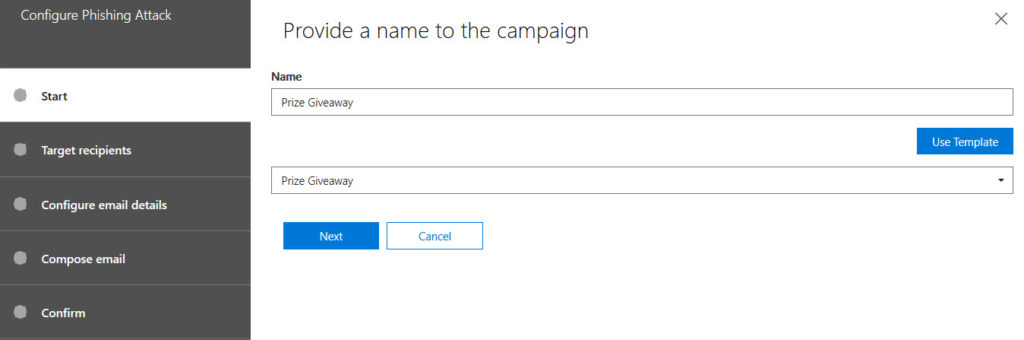
You will have to select people to send phishing email to
Then, provide email details
As you can see below, the new configuration is related to Attachment type and name :
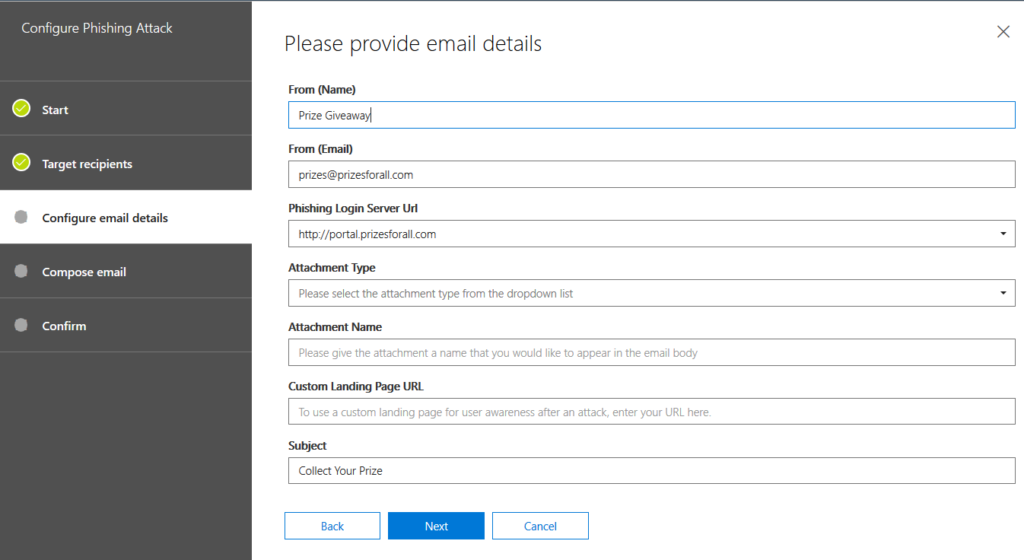
You will be able to choose one of three types :
- DOC
- DOCX
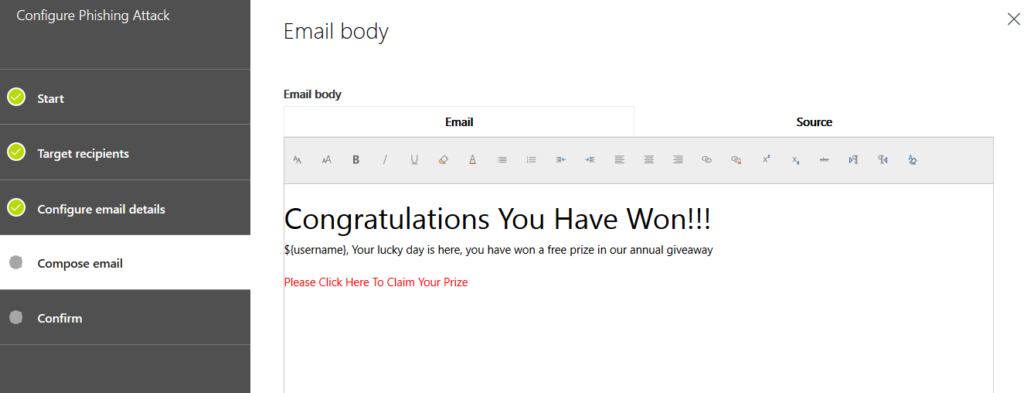
You will be able to compose the email body as you used to
So, what about the user ?
The target receive the email with the attachment
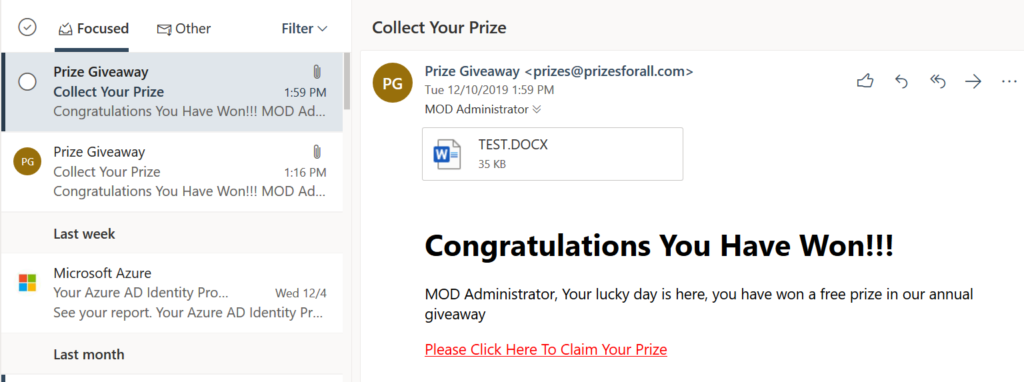
Result
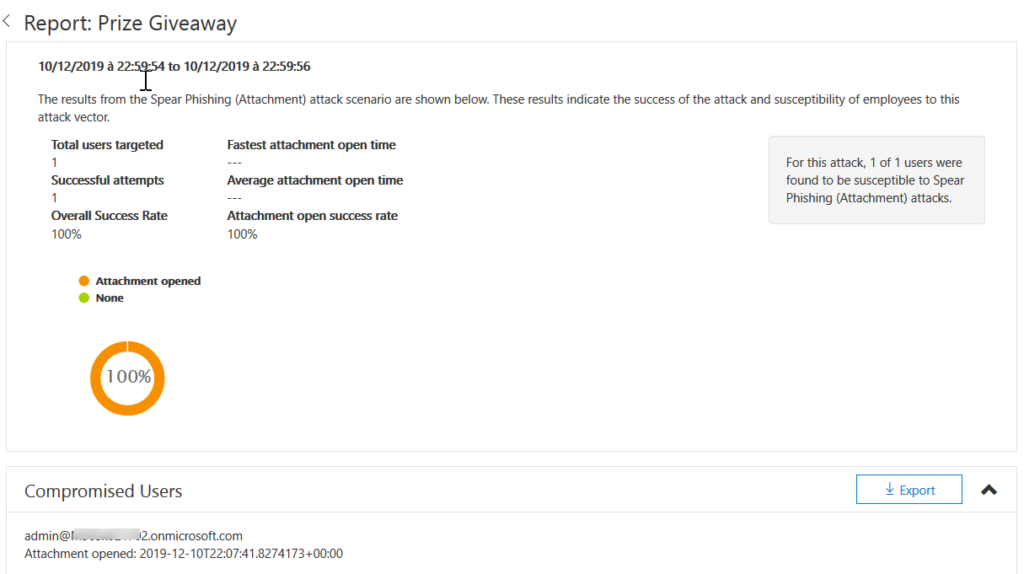
Report
As an admin, you want to know if your victims open the attachment or not.
See below an example of report that you will be able to have during your campaings
Explanation
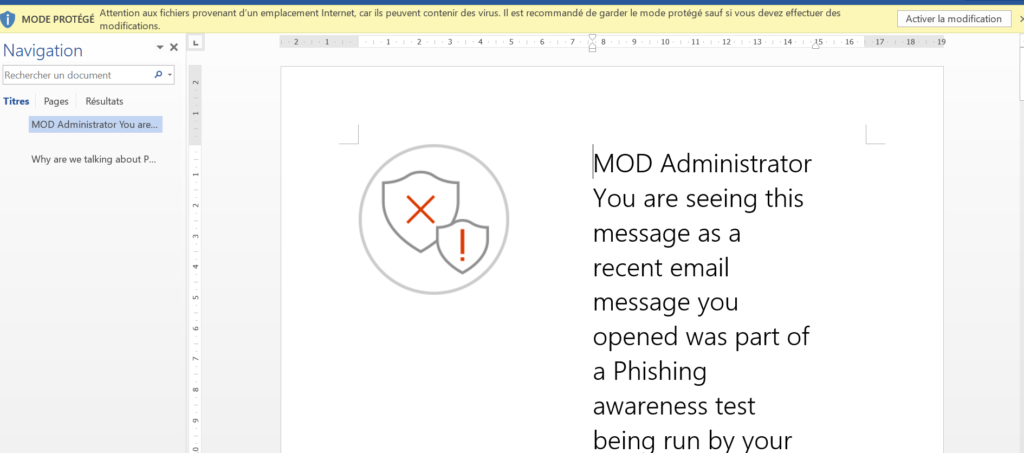
I used OWA to check the mails and thus, I opened the documentation in the browser.
Attack simulator do not see that
So, I click on download in order to open the documentation.
I have to also “Enable the modification” for Attack Simulator refresh the attack details
Quite the same for PDF as an attachement type, due to the fact that the user has to allow the document to communicate with a website
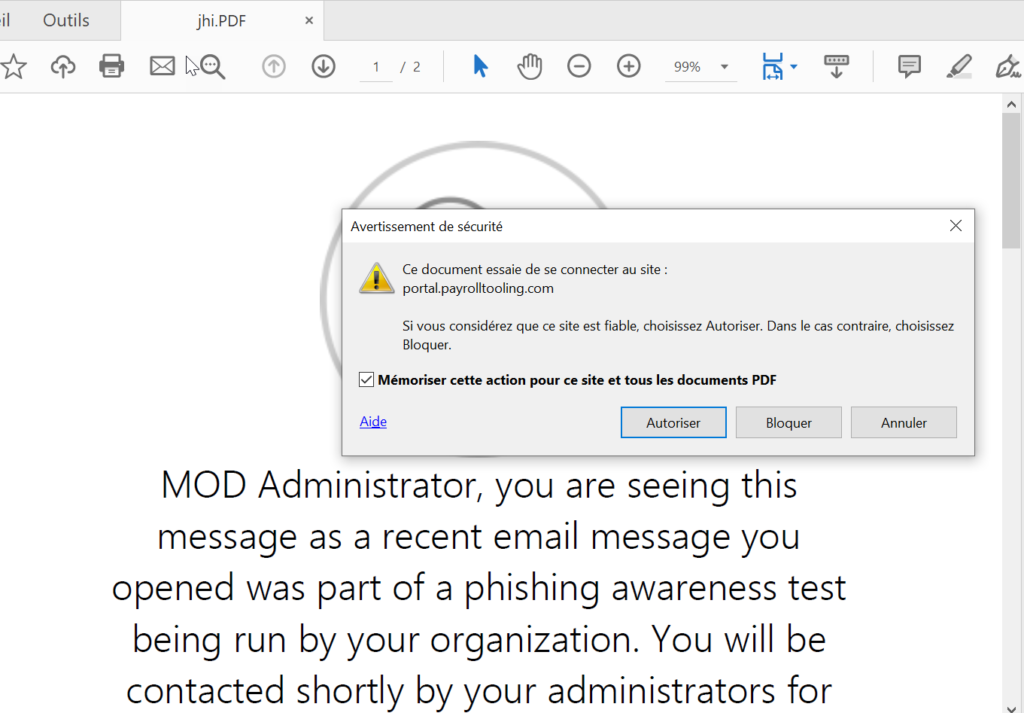
To conclude, keep in mind that in the succeed attempts, you will see the users who do more that just open the attachment 😉